Year 10 Conditional Probability Worksheets (Printable PDFs)
Printable Year 10 conditional probability worksheets from ZiloAcademy, covering "given that" probability using tables and tree diagrams. Aligned with the Australian Curriculum (Version 9.0).
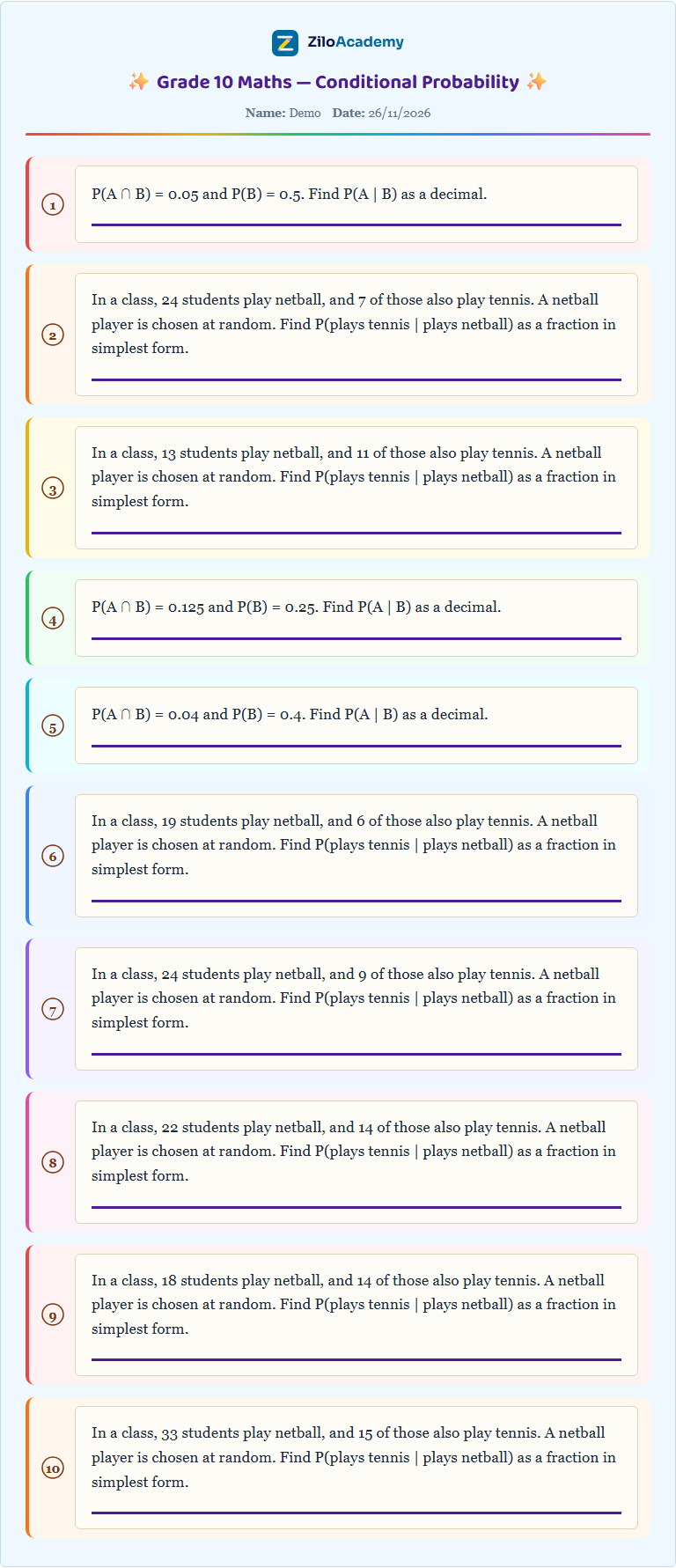
👆 This is what a real Year 10 Conditional Probability Worksheets worksheet looks like
A real sample page — click the image to open the full worksheet and print it, with a fresh set of questions and an instant answer key.
👁️ View & Print This Worksheet →What Will Your Child Learn?
Year 10 conditional probability worksheets build calculating the probability of an event occurring given that another event has already occurred, using two-way tables and tree diagrams to organise the information clearly before calculating. Worksheets include real contexts, such as medical testing or survey data, where conditional probability has genuine practical relevance.
Why Conditional Probability Matters
Conditional probability notation and reasoning — "given that X has happened, what's the probability of Y" — genuinely trips up many students specifically because it's easy to confuse with the plain, unconditional probability of Y, making the distinction worth addressing head-on.
Real-world conditional probability, such as interpreting a positive medical test result, is genuinely counter-intuitive and practically important — understanding it correctly is a real-world numeracy skill with consequences beyond the classroom.
How to Print the Worksheets
- Select the worksheet you want and open its printable view.
- Press Ctrl+P (Windows) or Cmd+P (Mac), or use your browser's Print option.
- In the print preview, choose A4 paper size.
- Set the layout to Portrait (most worksheets) or Landscape if the sheet is wide.
- Check the print preview to make sure nothing is cut off — adjust "Scale" or "Fit to page" if it is.
- Turn on "Black and white" or "Grayscale" in printer settings to save colour ink.
- Click Print — or choose "Save as PDF" as the destination to keep a digital copy instead.
Works the same way whether you're printing from Chrome, Edge or Safari, on a desktop, laptop or tablet. Full details, including printing from a phone and fixing content that's cut off, are in our complete guide to printing worksheets at home.
Tips for Parents
- Use two-way tables and tree diagrams to organise conditional probability information before calculating
- Explicitly distinguish a conditional probability from the plain, unconditional probability of the same event
- Work through a real example, such as a medical testing scenario, to show genuine practical relevance
- Practise reading "given that" problems carefully to identify exactly what's being conditioned on
Frequently Asked Questions
📚 Helpful Guides for Parents
Get more out of every worksheet with practical tips from the Zilo Academy blog — study routines, NAPLAN advice and ways to support your child’s learning at home.