Year 6 Quadrilaterals Worksheets (Printable PDFs)
Printable Year 6 quadrilaterals worksheets from ZiloAcademy, covering classifying squares, rectangles, parallelograms and trapeziums. Aligned with the Australian Curriculum (Version 9.0).
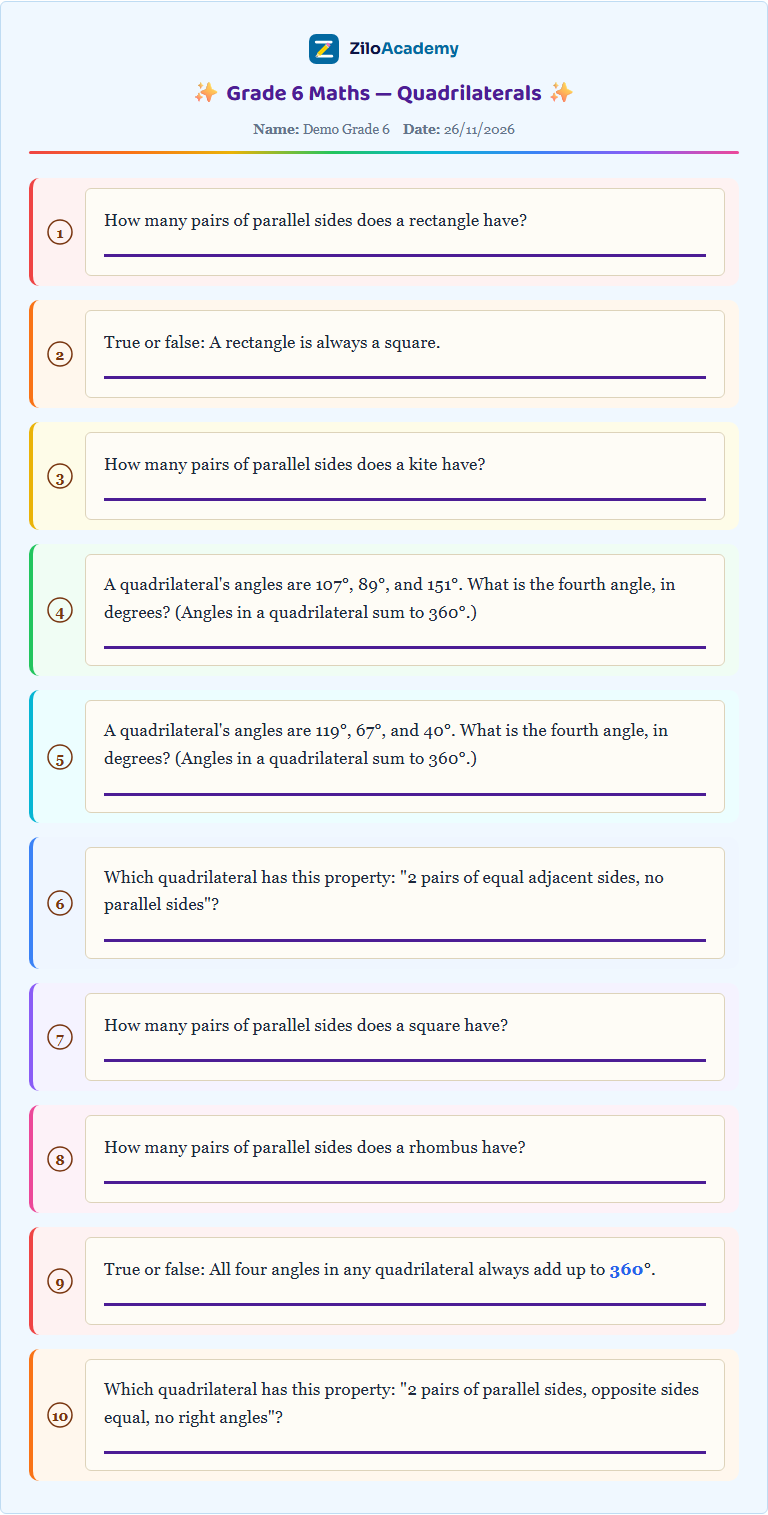
👆 This is what a real Year 6 Quadrilaterals Worksheets worksheet looks like
A real sample page — click the image to open the full worksheet and print it, with a fresh set of questions and an instant answer key.
👁️ View & Print This Worksheet →What Will Your Child Learn?
Year 6 quadrilaterals worksheets build classifying four-sided shapes into their specific families — squares, rectangles, parallelograms, trapeziums, rhombi — based on their sides and angles, and understanding how these families relate to each other (every square is a rectangle, but not every rectangle is a square). Worksheets include sorting activities using a hierarchy.
Why Quadrilaterals Matters
Understanding that quadrilateral families are nested, not separate — a square is a special kind of rectangle, which is a special kind of parallelogram — is a genuinely important shift from simple shape-naming into real geometric classification, similar to how living things are classified into nested groups.
This nested thinking also prepares students for the kind of precise, hierarchical reasoning used throughout secondary geometry, where shapes are regularly defined by which broader categories they belong to.
How to Print the Worksheets
- Select the worksheet you want and open its printable view.
- Press Ctrl+P (Windows) or Cmd+P (Mac), or use your browser's Print option.
- In the print preview, choose A4 paper size.
- Set the layout to Portrait (most worksheets) or Landscape if the sheet is wide.
- Check the print preview to make sure nothing is cut off — adjust "Scale" or "Fit to page" if it is.
- Turn on "Black and white" or "Grayscale" in printer settings to save colour ink.
- Click Print — or choose "Save as PDF" as the destination to keep a digital copy instead.
Works the same way whether you're printing from Chrome, Edge or Safari, on a desktop, laptop or tablet. Full details, including printing from a phone and fixing content that's cut off, are in our complete guide to printing worksheets at home.
Tips for Parents
- Sort a mixed group of quadrilaterals into their families, discussing which properties define each one
- Discuss why every square is a rectangle, but not every rectangle is a square, using real examples
- Draw a simple diagram together showing how the quadrilateral families nest inside each other
- Spot different quadrilateral types in windows, tiles and architecture around you
Frequently Asked Questions
📚 Helpful Guides for Parents
Get more out of every worksheet with practical tips from the Zilo Academy blog — study routines, NAPLAN advice and ways to support your child’s learning at home.