Year 7 Multiplying Decimals Worksheets (Printable PDFs)
Printable Year 7 decimal multiplication worksheets from ZiloAcademy, covering multiplying decimals and correctly placing the decimal point in the answer. Aligned with the Australian Curriculum (Version 9.0).
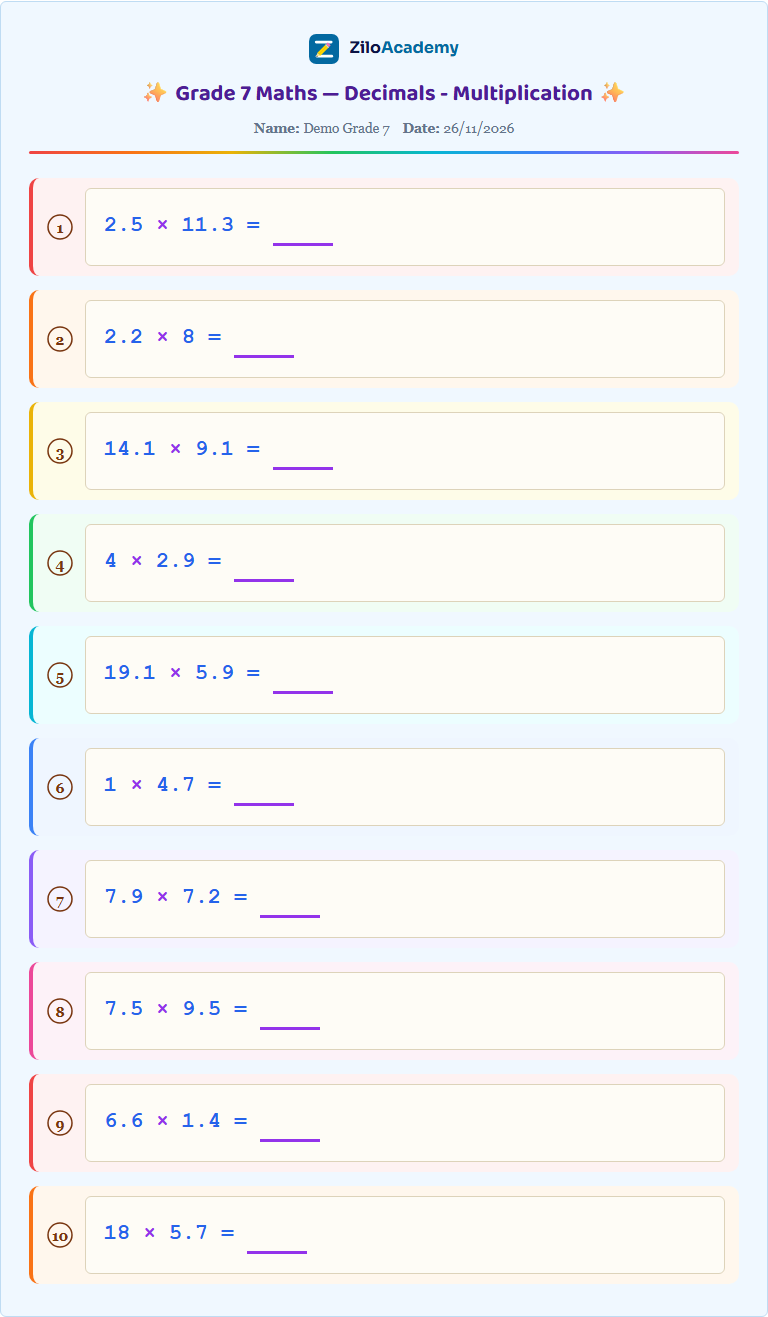
👆 This is what a real Year 7 Multiplying Decimals Worksheets worksheet looks like
A real sample page — click the image to open the full worksheet and print it, with a fresh set of questions and an instant answer key.
👁️ View & Print This Worksheet →What Will Your Child Learn?
Year 7 decimal multiplication worksheets build the skill of multiplying as if decimals weren't there, then placing the decimal point correctly in the final answer by counting total decimal places — a genuinely different process from decimal addition, which is why it gets its own dedicated practice. Worksheets progress from single-decimal to multi-decimal multiplication and real-world word problems.
Why Decimals - Multiplication Matters
Decimal multiplication is a common point of confusion precisely because it looks similar to decimal addition but works completely differently — lining up decimal points, the habit built for addition, actively causes errors here. Students who haven't clearly separated the two processes often blend them incorrectly.
Estimating first matters more here than almost anywhere else in Year 7 Maths, since a misplaced decimal point in multiplication can produce an answer ten or a hundred times too big or small — and that kind of error is easy to catch with a quick estimate, but easy to miss without one.
How to Print the Worksheets
- Select the worksheet you want and open its printable view.
- Press Ctrl+P (Windows) or Cmd+P (Mac), or use your browser's Print option.
- In the print preview, choose A4 paper size.
- Set the layout to Portrait (most worksheets) or Landscape if the sheet is wide.
- Check the print preview to make sure nothing is cut off — adjust "Scale" or "Fit to page" if it is.
- Turn on "Black and white" or "Grayscale" in printer settings to save colour ink.
- Click Print — or choose "Save as PDF" as the destination to keep a digital copy instead.
Works the same way whether you're printing from Chrome, Edge or Safari, on a desktop, laptop or tablet. Full details, including printing from a phone and fixing content that's cut off, are in our complete guide to printing worksheets at home.
Tips for Parents
- Multiply the numbers as whole numbers first, ignoring the decimal point until the very end
- Count total decimal places across both numbers to know where the decimal point goes in the answer
- Estimate first — knowing the answer should be "about 6" catches a misplaced decimal instantly
- Keep this process clearly separate in your child's mind from decimal addition, which works differently
Frequently Asked Questions
📚 Helpful Guides for Parents
Get more out of every worksheet with practical tips from the Zilo Academy blog — study routines, NAPLAN advice and ways to support your child’s learning at home.