Year 7 Digital Literacy Worksheets (Printable PDFs)
Printable Year 7 digital literacy worksheets from ZiloAcademy, covering evaluating online sources for credibility and currency. Aligned with the Australian Curriculum (Version 9.0).
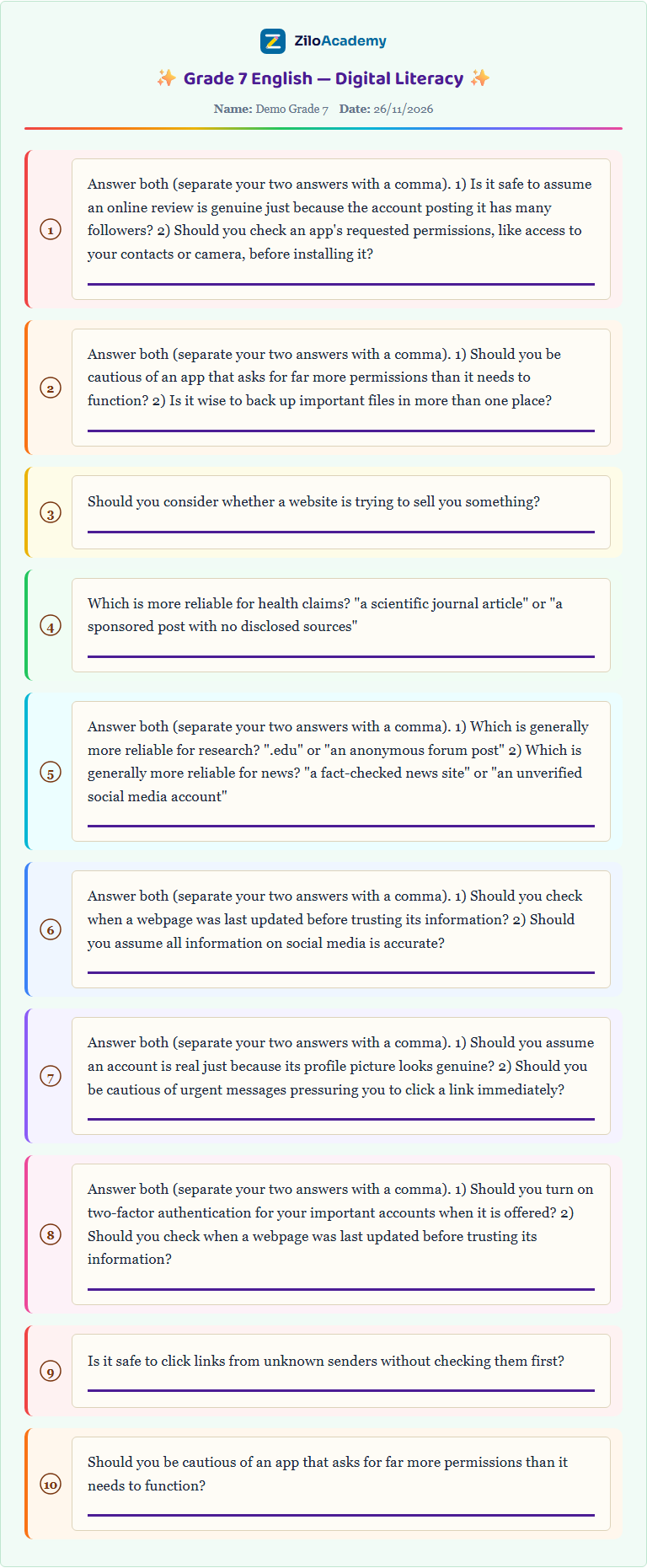
👆 This is what a real Year 7 Digital Literacy Worksheets worksheet looks like
A real sample page — click the image to open the full worksheet and print it, with a fresh set of questions and an instant answer key.
👁️ View & Print This Worksheet →What Will Your Child Learn?
Year 7 digital literacy worksheets build systematically evaluating an online source's credibility, currency and potential bias before using it, and recognising common signs of misinformation. Worksheets include comparing a credible source against a deliberately unreliable one on the same topic.
Why Digital Literacy Matters
Systematically checking a source's credibility, currency and bias, rather than relying on a vague gut feeling, gives a student a concrete, repeatable process for navigating an online environment with hugely variable information quality.
Recognising common signs of misinformation is an increasingly essential life skill, well beyond any single school assignment, given how much information young people now encounter primarily online.
How to Print the Worksheets
- Select the worksheet you want and open its printable view.
- Press Ctrl+P (Windows) or Cmd+P (Mac), or use your browser's Print option.
- In the print preview, choose A4 paper size.
- Set the layout to Portrait (most worksheets) or Landscape if the sheet is wide.
- Check the print preview to make sure nothing is cut off — adjust "Scale" or "Fit to page" if it is.
- Turn on "Black and white" or "Grayscale" in printer settings to save colour ink.
- Click Print — or choose "Save as PDF" as the destination to keep a digital copy instead.
Works the same way whether you're printing from Chrome, Edge or Safari, on a desktop, laptop or tablet. Full details, including printing from a phone and fixing content that's cut off, are in our complete guide to printing worksheets at home.
Tips for Parents
- Practise checking an online source's author, publication date and potential bias before trusting its content
- Compare a credible source against a deliberately unreliable one on the same topic, discussing the specific differences
- Discuss common signs of misinformation your child might encounter online
- Use real searches your child actually does for school as genuine practice material
Frequently Asked Questions
📚 Helpful Guides for Parents
Get more out of every worksheet with practical tips from the Zilo Academy blog — study routines, NAPLAN advice and ways to support your child’s learning at home.