Year 7 Fractions vs Decimals Worksheets (Printable PDFs)
Printable Year 7 fractions and decimals worksheets from ZiloAcademy, covering converting between fractions and decimals and comparing their sizes. Aligned with the Australian Curriculum (Version 9.0).
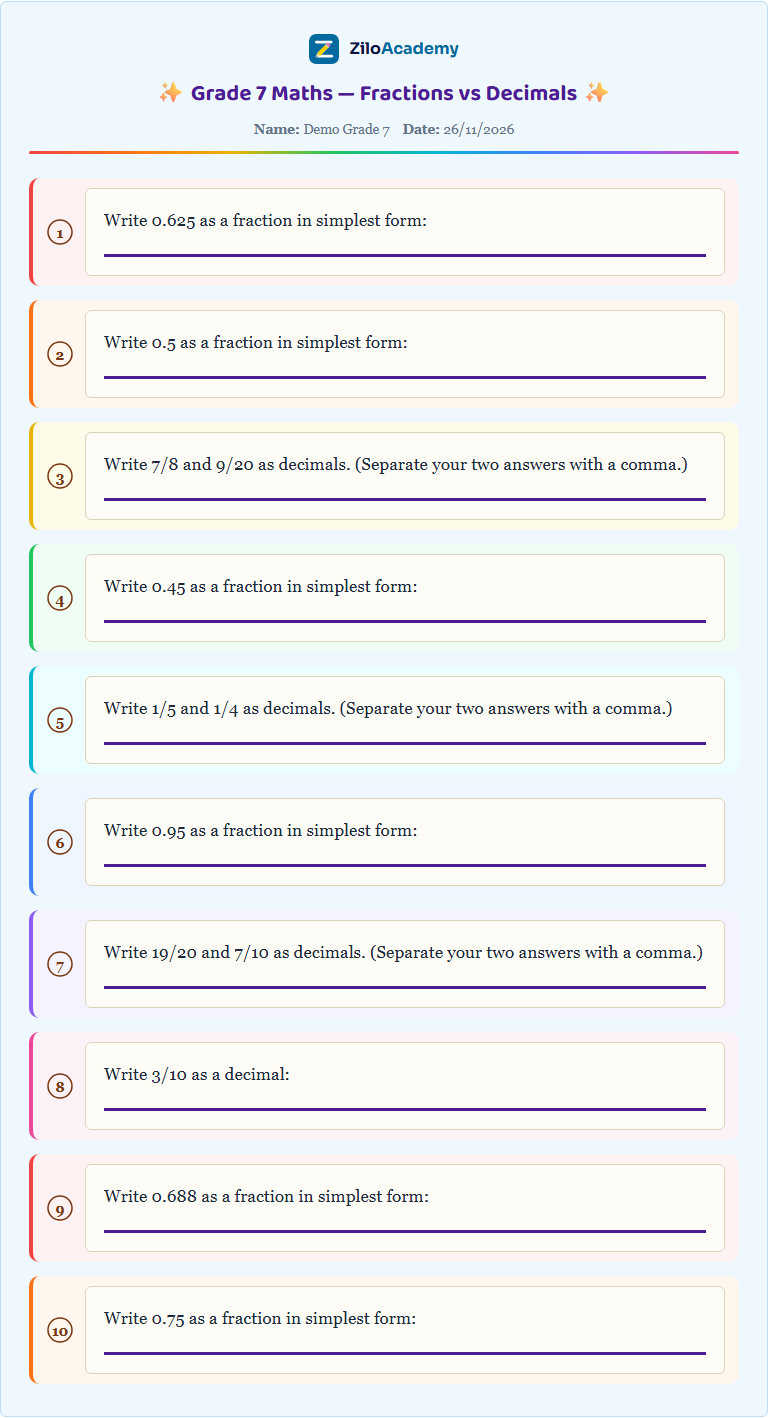
👆 This is what a real Year 7 Fractions vs Decimals Worksheets worksheet looks like
A real sample page — click the image to open the full worksheet and print it, with a fresh set of questions and an instant answer key.
👁️ View & Print This Worksheet →What Will Your Child Learn?
Year 7 fractions versus decimals worksheets build fluent conversion in both directions — a fraction to its decimal equivalent by dividing, and a decimal back to a fraction using place value — plus comparing and ordering a mix of fractions and decimals together, which requires genuinely understanding both forms rather than treating them as two separate number systems.
Why Fractions vs Decimals Matters
Fractions and decimals are often taught as separate topics in earlier years, which can leave a student able to work confidently within each but unsure how to compare one against the other. Year 7 specifically targets that gap, since real problems — especially in statistics, finance and measurement — mix fractions and decimals constantly and expect a student to move fluidly between them.
Recognising common fraction-decimal equivalents by sight (a half is 0.5, a quarter is 0.25) genuinely speeds up a huge range of later Maths work, since it removes the need to stop and convert every single time one form is needed instead of the other.
How to Print the Worksheets
- Select the worksheet you want and open its printable view.
- Press Ctrl+P (Windows) or Cmd+P (Mac), or use your browser's Print option.
- In the print preview, choose A4 paper size.
- Set the layout to Portrait (most worksheets) or Landscape if the sheet is wide.
- Check the print preview to make sure nothing is cut off — adjust "Scale" or "Fit to page" if it is.
- Turn on "Black and white" or "Grayscale" in printer settings to save colour ink.
- Click Print — or choose "Save as PDF" as the destination to keep a digital copy instead.
Works the same way whether you're printing from Chrome, Edge or Safari, on a desktop, laptop or tablet. Full details, including printing from a phone and fixing content that's cut off, are in our complete guide to printing worksheets at home.
Tips for Parents
- Build fluency converting common fractions to decimals (halves, quarters, fifths, tenths) until they're recognised by sight
- Practise comparing and ordering a mixed list of fractions and decimals together, not each type separately
- Use division to convert a fraction to a decimal, and place value to convert a decimal back to a fraction
- Point out real contexts — sport statistics, measurements — where fractions and decimals appear side by side
Frequently Asked Questions
📚 Helpful Guides for Parents
Get more out of every worksheet with practical tips from the Zilo Academy blog — study routines, NAPLAN advice and ways to support your child’s learning at home.