Year 7 Median Worksheets (Printable PDFs)
Printable Year 7 median worksheets from ZiloAcademy, covering finding the median of a data set, including with an even number of values. Aligned with the Australian Curriculum (Version 9.0).
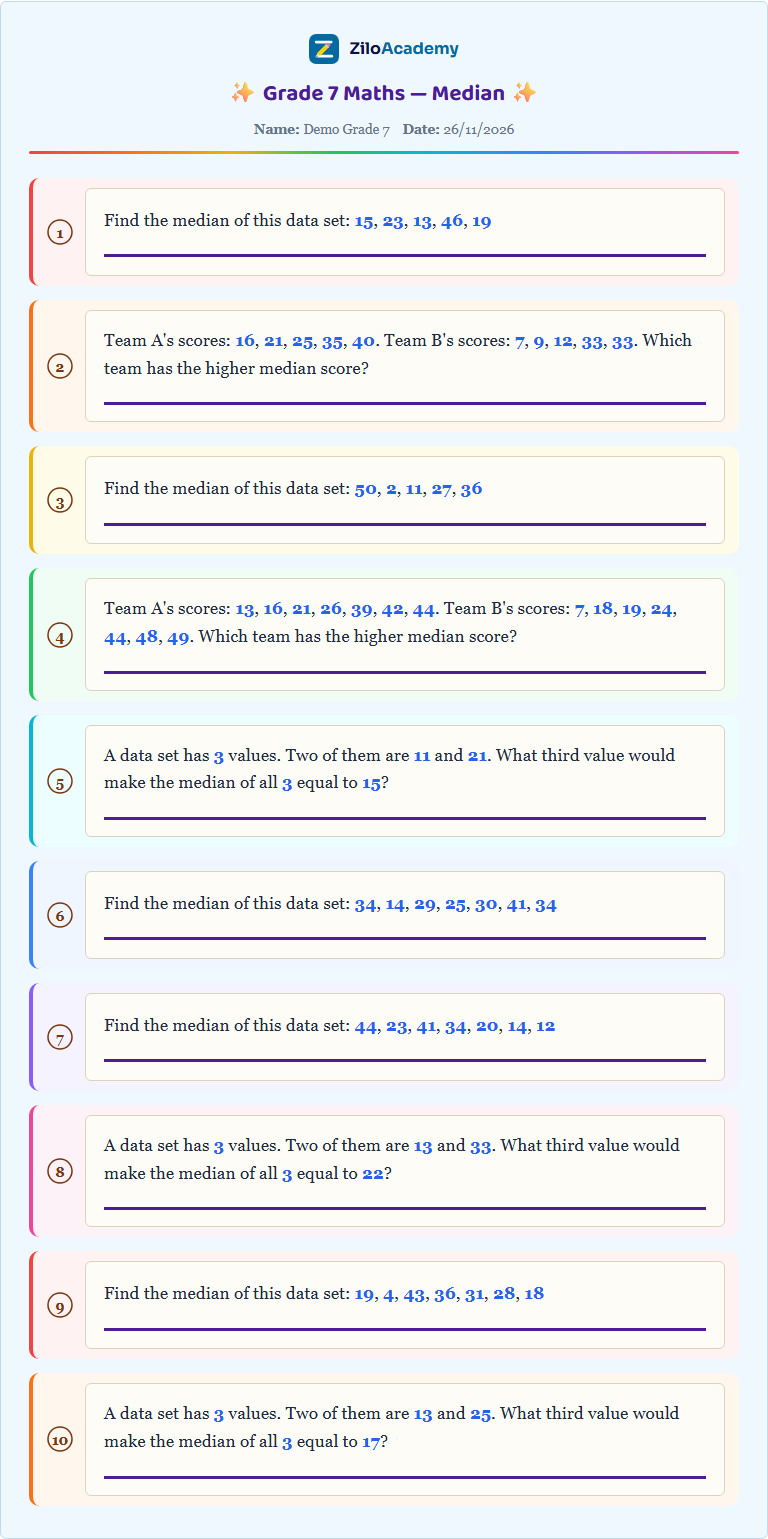
👆 This is what a real Year 7 Median Worksheets worksheet looks like
A real sample page — click the image to open the full worksheet and print it, with a fresh set of questions and an instant answer key.
👁️ View & Print This Worksheet →What Will Your Child Learn?
Year 7 median worksheets build ordering a data set and identifying its middle value — the median — including the specific case of an even number of values, which requires averaging the two middle numbers rather than picking just one. Worksheets emphasise ordering the data correctly first, since that's where most errors actually occur.
Why Median Matters
The median is specifically useful because, unlike the mean, it isn't pulled around by one unusually high or low value — understanding *why* the median resists outliers, not just how to calculate it, is what makes a student genuinely able to choose the right average for a given situation.
The even-number-of-values case trips up students disproportionately often relative to how conceptually small the difference actually is, making it worth isolating as its own specific, deliberate practice point rather than assuming it follows automatically from the odd-number case.
How to Print the Worksheets
- Select the worksheet you want and open its printable view.
- Press Ctrl+P (Windows) or Cmd+P (Mac), or use your browser's Print option.
- In the print preview, choose A4 paper size.
- Set the layout to Portrait (most worksheets) or Landscape if the sheet is wide.
- Check the print preview to make sure nothing is cut off — adjust "Scale" or "Fit to page" if it is.
- Turn on "Black and white" or "Grayscale" in printer settings to save colour ink.
- Click Print — or choose "Save as PDF" as the destination to keep a digital copy instead.
Works the same way whether you're printing from Chrome, Edge or Safari, on a desktop, laptop or tablet. Full details, including printing from a phone and fixing content that's cut off, are in our complete guide to printing worksheets at home.
Tips for Parents
- Order the data from smallest to largest as an explicit first step, every time, before finding the middle value
- Give the even-number-of-values case (averaging the two middle numbers) dedicated, separate practice
- Discuss why the median isn't affected by one unusually extreme value, unlike the mean
- Compare the mean and median of the same data set to see when and why they differ
Frequently Asked Questions
📚 Helpful Guides for Parents
Get more out of every worksheet with practical tips from the Zilo Academy blog — study routines, NAPLAN advice and ways to support your child’s learning at home.