Year 7 Problem Solving Worksheets (Printable PDFs)
Printable Year 7 problem solving worksheets from ZiloAcademy, covering complex problems spanning algebra, ratio and geometry together. Aligned with the Australian Curriculum (Version 9.0).
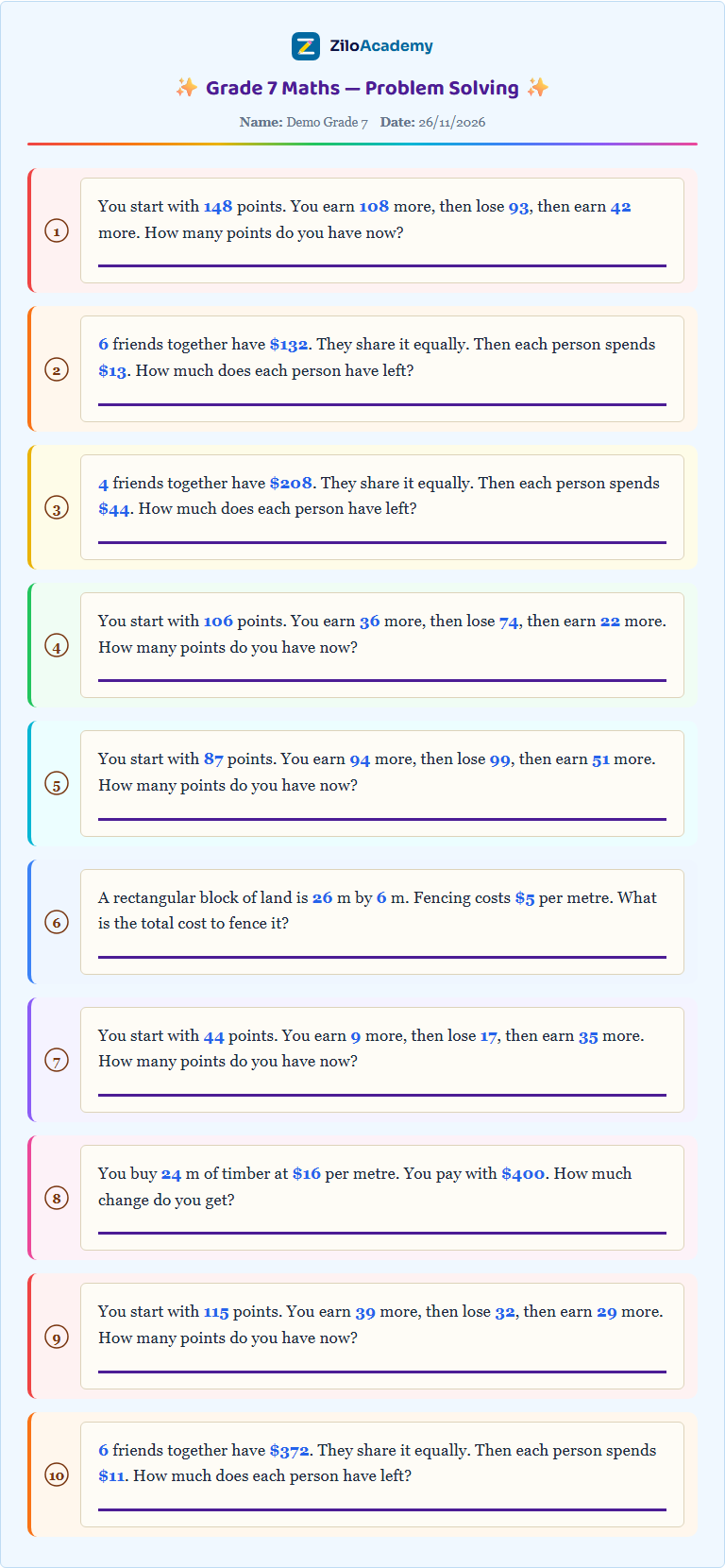
👆 This is what a real Year 7 Problem Solving Worksheets worksheet looks like
A real sample page — click the image to open the full worksheet and print it, with a fresh set of questions and an instant answer key.
👁️ View & Print This Worksheet →What Will Your Child Learn?
Year 7 problem solving worksheets build tackling genuinely complex, unfamiliar problems that draw on several strands at once — algebra, ratio, geometry — without being told which skills apply. Worksheets build the explicit habit of identifying relevant information, planning an approach, and checking the final answer against the original question.
Why Problem Solving Matters
Problems that don't announce which skill to use are a much closer match to real mathematical thinking — and to NAPLAN-style and secondary assessment — than strand-labelled practice, genuinely testing whether a student can select the right tool, not just use one when told to.
Explicitly practising the habit of checking a final answer against the original question also catches a surprisingly common error: solving a well-executed but different problem from the one actually asked.
How to Print the Worksheets
- Select the worksheet you want and open its printable view.
- Press Ctrl+P (Windows) or Cmd+P (Mac), or use your browser's Print option.
- In the print preview, choose A4 paper size.
- Set the layout to Portrait (most worksheets) or Landscape if the sheet is wide.
- Check the print preview to make sure nothing is cut off — adjust "Scale" or "Fit to page" if it is.
- Turn on "Black and white" or "Grayscale" in printer settings to save colour ink.
- Click Print — or choose "Save as PDF" as the destination to keep a digital copy instead.
Works the same way whether you're printing from Chrome, Edge or Safari, on a desktop, laptop or tablet. Full details, including printing from a phone and fixing content that's cut off, are in our complete guide to printing worksheets at home.
Tips for Parents
- Read a complex problem together and identify exactly what's being asked before planning any calculation
- Discuss which Maths strands seem relevant, listing more than one possibility if unsure
- Always check the final answer directly against the original question, not just that the arithmetic worked
- Break a genuinely complex problem into smaller, clearly labelled sub-problems
Frequently Asked Questions
📚 Helpful Guides for Parents
Get more out of every worksheet with practical tips from the Zilo Academy blog — study routines, NAPLAN advice and ways to support your child’s learning at home.