Year 7 Proportions Worksheets (Printable PDFs)
Printable Year 7 proportions worksheets from ZiloAcademy, covering solving proportion problems using equivalent ratios and cross-multiplication. Aligned with the Australian Curriculum (Version 9.0).
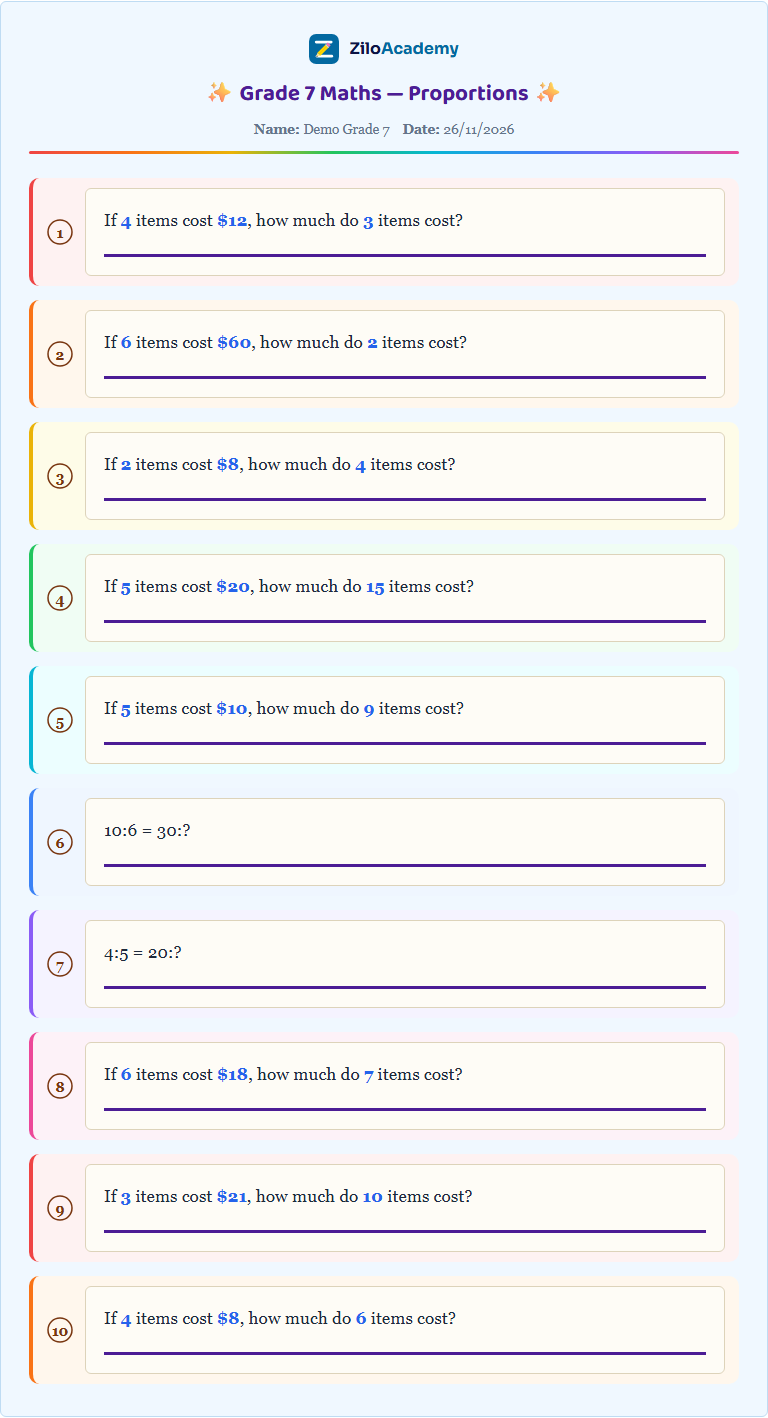
👆 This is what a real Year 7 Proportions Worksheets worksheet looks like
A real sample page — click the image to open the full worksheet and print it, with a fresh set of questions and an instant answer key.
👁️ View & Print This Worksheet →What Will Your Child Learn?
Year 7 proportions worksheets build recognising when two ratios are in proportion and solving for an unknown value using equivalent ratios or cross-multiplication. Worksheets use real-world scaling contexts — recipes, maps, mixing ratios — so proportional reasoning feels like a genuinely useful tool, not an abstract procedure.
Why Proportions Matters
Proportional reasoning is a genuinely significant mathematical idea that extends well beyond this one topic — it's the same underlying thinking behind scale drawings, map reading, recipe scaling, speed and unit pricing, all of which a student meets repeatedly from here on.
Cross-multiplication is often taught as a quick mechanical trick for solving proportions, but a student who also understands *why* it works — because it comes from multiplying both sides of an equal-ratios equation by the same values — carries that understanding into algebra, where the same reasoning reappears in a more general form.
How to Print the Worksheets
- Select the worksheet you want and open its printable view.
- Press Ctrl+P (Windows) or Cmd+P (Mac), or use your browser's Print option.
- In the print preview, choose A4 paper size.
- Set the layout to Portrait (most worksheets) or Landscape if the sheet is wide.
- Check the print preview to make sure nothing is cut off — adjust "Scale" or "Fit to page" if it is.
- Turn on "Black and white" or "Grayscale" in printer settings to save colour ink.
- Click Print — or choose "Save as PDF" as the destination to keep a digital copy instead.
Works the same way whether you're printing from Chrome, Edge or Safari, on a desktop, laptop or tablet. Full details, including printing from a phone and fixing content that's cut off, are in our complete guide to printing worksheets at home.
Tips for Parents
- Use real scaling situations — doubling a recipe, reading a map scale — to make proportions concrete
- Practise setting up a proportion correctly (matching units on each side) before solving it
- Teach cross-multiplication alongside *why* it works, not just as a shortcut to apply
- Check a solved proportion by confirming both ratios genuinely simplify to the same value
Frequently Asked Questions
📚 Helpful Guides for Parents
Get more out of every worksheet with practical tips from the Zilo Academy blog — study routines, NAPLAN advice and ways to support your child’s learning at home.