Year 7 Elapsed Time Worksheets (Printable PDFs)
Printable Year 7 elapsed time worksheets from ZiloAcademy, covering calculating durations and working with 24-hour time. Aligned with the Australian Curriculum (Version 9.0).
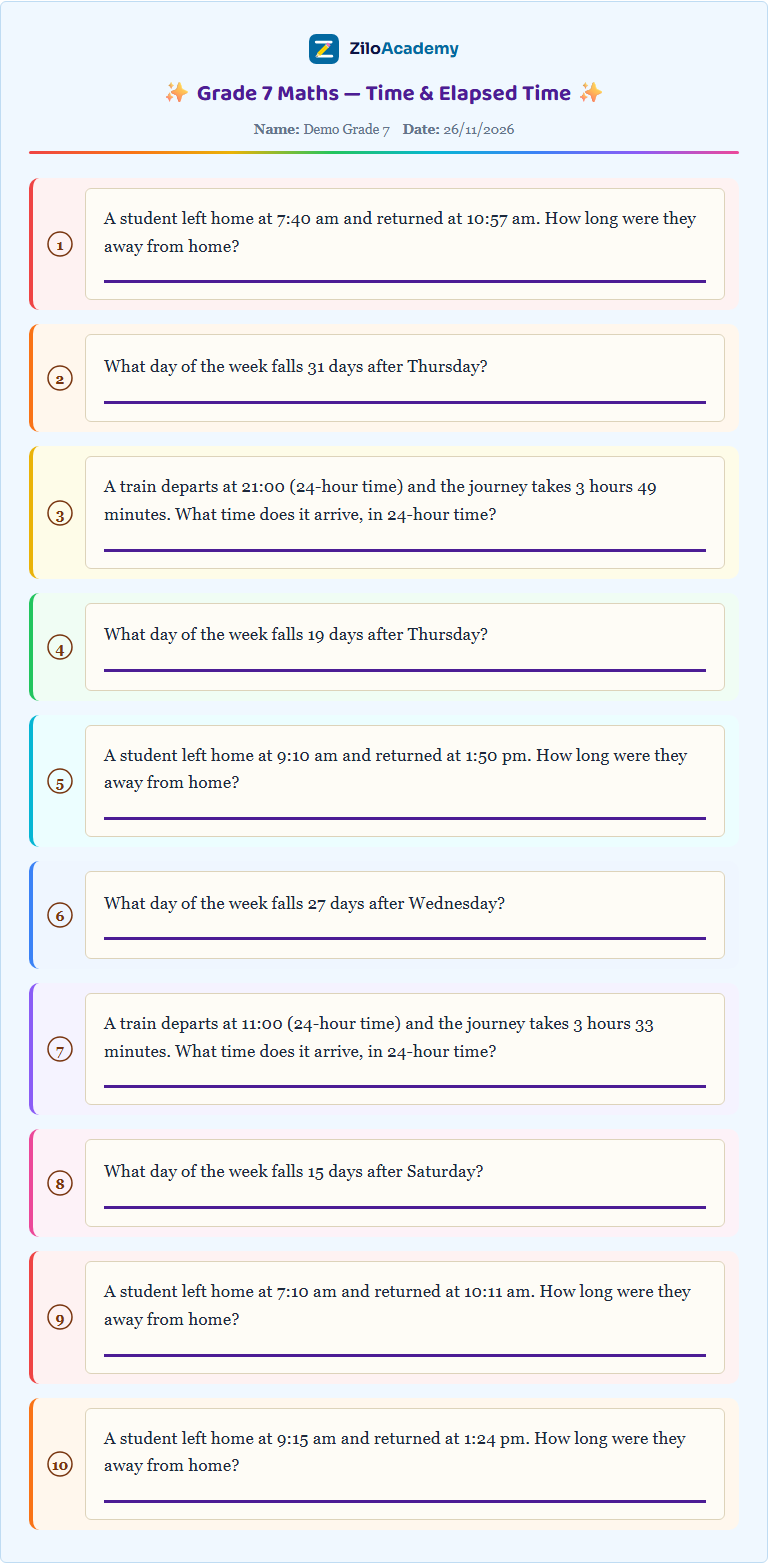
👆 This is what a real Year 7 Elapsed Time Worksheets worksheet looks like
A real sample page — click the image to open the full worksheet and print it, with a fresh set of questions and an instant answer key.
👁️ View & Print This Worksheet →What Will Your Child Learn?
Year 7 elapsed time worksheets build calculating the duration between two times, including across the 12-hour and 24-hour time boundary, and converting confidently between 12-hour and 24-hour time formats. Worksheets include real scheduling contexts — travel times, timetables — where accurate elapsed time matters practically.
Why Time & Elapsed Time Matters
Elapsed time calculations are genuinely tricky precisely because time doesn't work in base ten — 60 minutes make an hour, not 100 — which means the carrying and borrowing a student is used to from decimal arithmetic doesn't directly apply, and needs its own explicit practice.
This is also one of the most frequently used real-world Maths skills outside school — reading timetables, planning trips, calculating how long a task will take — making genuine accuracy here immediately useful well beyond any test.
How to Print the Worksheets
- Select the worksheet you want and open its printable view.
- Press Ctrl+P (Windows) or Cmd+P (Mac), or use your browser's Print option.
- In the print preview, choose A4 paper size.
- Set the layout to Portrait (most worksheets) or Landscape if the sheet is wide.
- Check the print preview to make sure nothing is cut off — adjust "Scale" or "Fit to page" if it is.
- Turn on "Black and white" or "Grayscale" in printer settings to save colour ink.
- Click Print — or choose "Save as PDF" as the destination to keep a digital copy instead.
Works the same way whether you're printing from Chrome, Edge or Safari, on a desktop, laptop or tablet. Full details, including printing from a phone and fixing content that's cut off, are in our complete guide to printing worksheets at home.
Tips for Parents
- Practise converting between 12-hour and 24-hour time until it's fluent in both directions
- Work through elapsed time calculations that cross an hour or midday/midnight boundary, since these cause the most errors
- Use real timetables — bus, train, flight schedules — for genuinely practical elapsed time practice
- Remind your child that time works in units of 60, not 100, when calculating durations
Frequently Asked Questions
📚 Helpful Guides for Parents
Get more out of every worksheet with practical tips from the Zilo Academy blog — study routines, NAPLAN advice and ways to support your child’s learning at home.