Year 9 3D Geometry Worksheets (Printable PDFs)
Printable Year 9 3D geometry worksheets from ZiloAcademy, covering finding the diagonal length inside a rectangular prism. Aligned with the Australian Curriculum (Version 9.0).
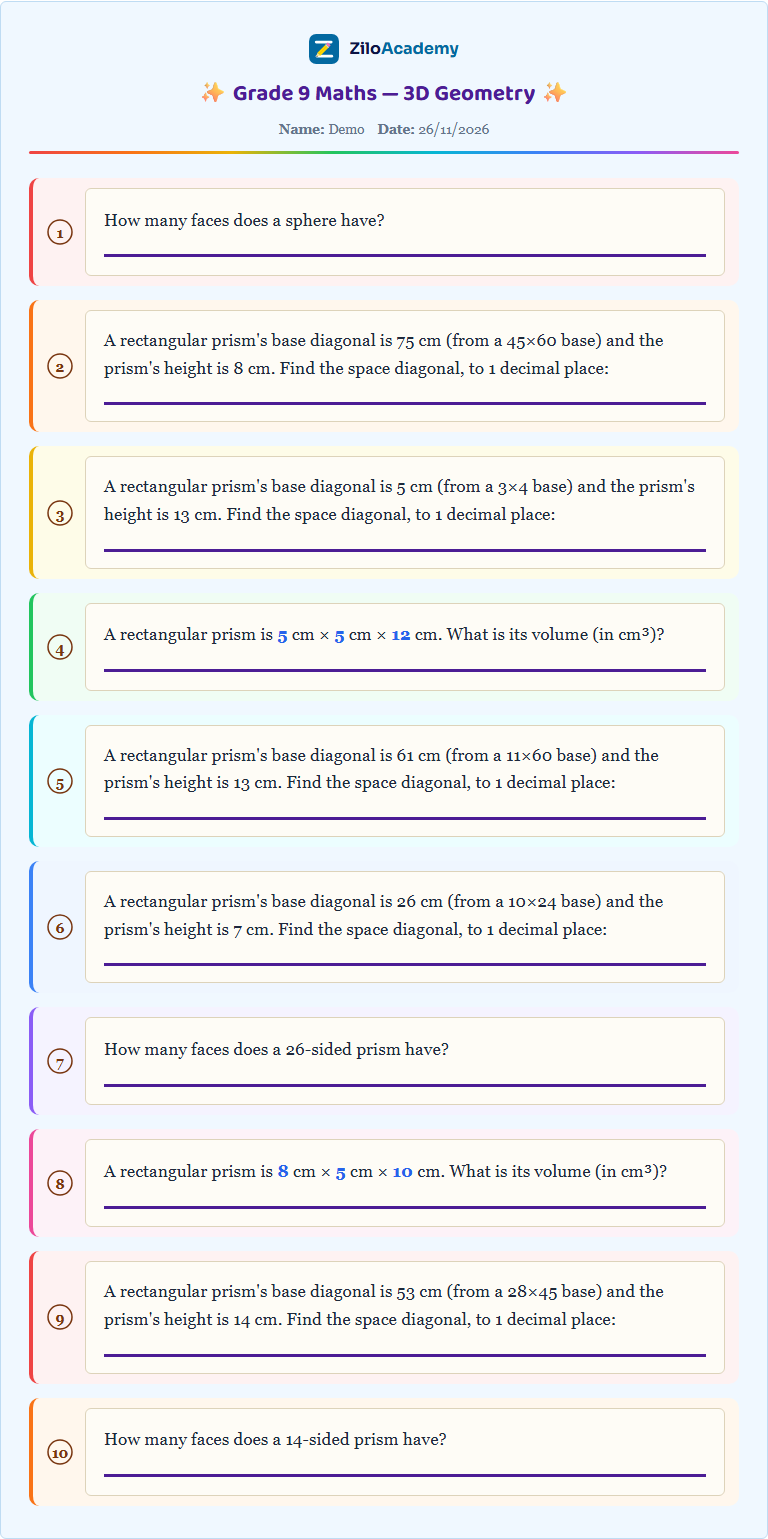
👆 This is what a real Year 9 3D Geometry Worksheets worksheet looks like
A real sample page — click the image to open the full worksheet and print it, with a fresh set of questions and an instant answer key.
👁️ View & Print This Worksheet →What Will Your Child Learn?
Year 9 3D geometry worksheets build applying Pythagoras' theorem twice in sequence to find the longest diagonal running through a rectangular prism — first across the base, then up through the solid. Worksheets connect this directly to the 2D Pythagoras skills already covered, extending them into three dimensions.
Why 3D Geometry Matters
Realising that a 3D problem can often be solved by applying a familiar 2D tool (Pythagoras) twice in sequence, rather than needing an entirely new method, is a genuinely valuable problem-solving insight that recurs throughout later Maths.
Visualising which right-angled triangle actually sits inside a 3D solid — the base diagonal, then the solid's full diagonal — is a demanding spatial skill worth deliberate, careful practice with real diagrams.
How to Print the Worksheets
- Select the worksheet you want and open its printable view.
- Press Ctrl+P (Windows) or Cmd+P (Mac), or use your browser's Print option.
- In the print preview, choose A4 paper size.
- Set the layout to Portrait (most worksheets) or Landscape if the sheet is wide.
- Check the print preview to make sure nothing is cut off — adjust "Scale" or "Fit to page" if it is.
- Turn on "Black and white" or "Grayscale" in printer settings to save colour ink.
- Click Print — or choose "Save as PDF" as the destination to keep a digital copy instead.
Works the same way whether you're printing from Chrome, Edge or Safari, on a desktop, laptop or tablet. Full details, including printing from a phone and fixing content that's cut off, are in our complete guide to printing worksheets at home.
Tips for Parents
- Sketch the hidden right-angled triangles inside a 3D diagram before applying Pythagoras, rather than trying to visualise them purely mentally
- Work through the base diagonal first, then use it as one side of the second Pythagoras calculation
- Use a real box to physically see the diagonal running from one corner through to the opposite corner
- Review 2D Pythagoras confidently first, since this topic is really that same skill applied twice
Frequently Asked Questions
📚 Helpful Guides for Parents
Get more out of every worksheet with practical tips from the Zilo Academy blog — study routines, NAPLAN advice and ways to support your child’s learning at home.